How I Built a Web App with ChatGPT’s Codex
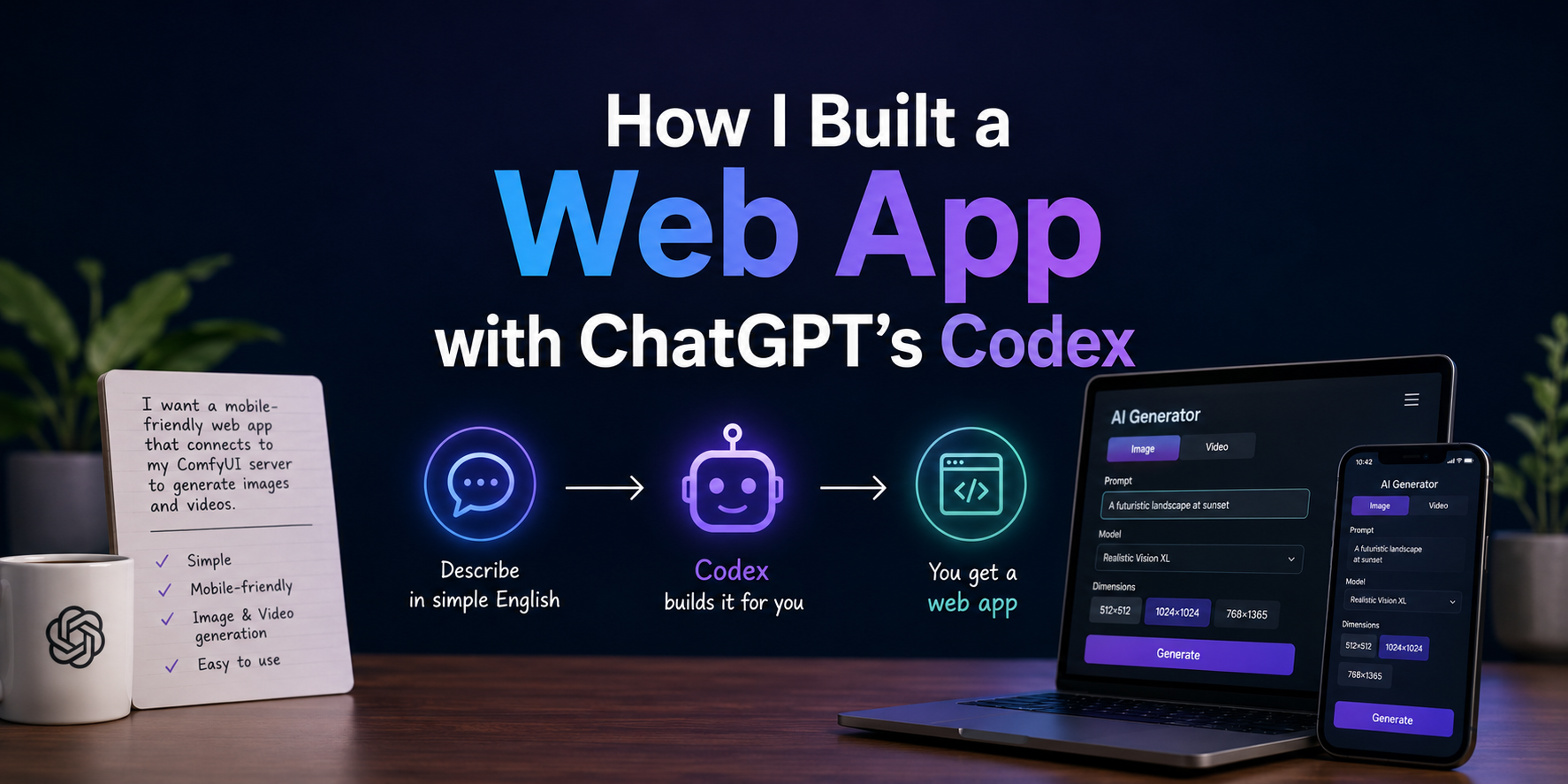
What if you could build a web app without knowing how to code or understanding the tech stack you need?
That's where Codex from ChatGPT comes in.
Codex is an AI coding agent, and I've fallen in love with it.
I'm usually a local AI cheerleader. My want and need for data security and privacy are the reason for this. Unfortunately, I also need to properly understand where different models stand, so I must test cloud models also.
ChatGPT's release of Codex was perfectly timed with my exploration into agentic coding. I was experimenting with Claude Code's support for Ollama for local models at the time. I didn't understand the power of these terminal-based tools until I started using them.
My one cloud subscription is ChatGPT, which I've had since before I knew about local AI models.
Codex can be used in your favorite IDE, like VS Code, in the Terminal, and in a recently released App. I was hesitant to use the terminal agent at first, so I started with VS Code.
I wasn't quite sure how to use it. Based on my minimal experience with Claude Code, I realized I needed to point it to a directory to build in. That's exactly what I did. I created a new folder on a network file share and pointed Codex to it.
Now it's time to build!
One tool that I wanted to make was a mobile-friendly web app that uses my AI Video and Image generation server that's running ComfyUI. While ComfyUI does have a web interface, it's not designed for mobile devices. I didn't need to build custom workflows regularly; I only needed something that would let my wife and me adjust basic toggles, like image or video dimensions, and insert the prompt. This simplified GUI would allow us to use our phones or other touch-screen devices to generate images and video more easily.
Using Codex in VS Code, I explained in simple English what I wanted. It came back with a few questions, like which tech stack I wanted to use and whether I was running ComfyUI locally or on a separate machine. Once I answered those, it started to build.
It asks for permission.
I was surprised that the moment it went to do anything, it would stop and ask for permission first. Starting with permission to use the directory I pointed to, then permission to create files, and so on. Codex even gave the option to allow permission to these for the remainder of the session, so if you felt comfortable enough, it could do what you asked without asking over and over again. At least until the next time you come back to it.
This is a good thing.
Considering how much I like to have control and security, the built-in function to ask is important. It forces you to think about what the agent is doing. I'm sure some might find it frustrating, but I feel that trust needs to be earned before you let it continue.
Eventually, it got to a point where it wanted to install components to run the web app. That was when I realized I didn't want it to run on the local computer that I was using; I needed it to run on a Linux VM.
This was the moment I understood how flexible Codex can be.
It adapted its approach to how it responded to my requests. Codex changed from asking what to install to providing instructions on what I needed to install on the separate Linux VM and how to copy the files it had already created for me. If I got stuck or encountered an error message, I would tell Codex, and it would give me what I needed to install, change, or edit, along with the commands to do so.
Codex's superpower is the ability to adapt to change.
While testing, I found that I wanted more changes. Some were basic design elements, and others were more technical, such as providing an indicator that an image or video was being generated or adding another model for me to use. It was a workhorse, making the requested changes, providing instructions, and working through issues with me.
Sometimes, you know the basics as to what you want to build, but you may not know all the details yet. Coding with Codex allowed me to start building and then iterate along the way. I'd realize a detail was missing or would be a nice addition, and Codex would help me implement it. All while doing its best not to break something else.
Most of my experience with AI coding comes from local AI models. The advances of Codex from OpenAI have impressed me. My only wish would be to have a model that runs locally that works as well as this one.
Overall, I'm ecstatic to have a tool like this in my toolbelt.
I'm now working on an even more complex project to further test its functionality.
If you have a ChatGPT subscription, it's worth checking out Codex. I'd love to hear your thoughts on it and about what you're building. Let me know in the comments.
